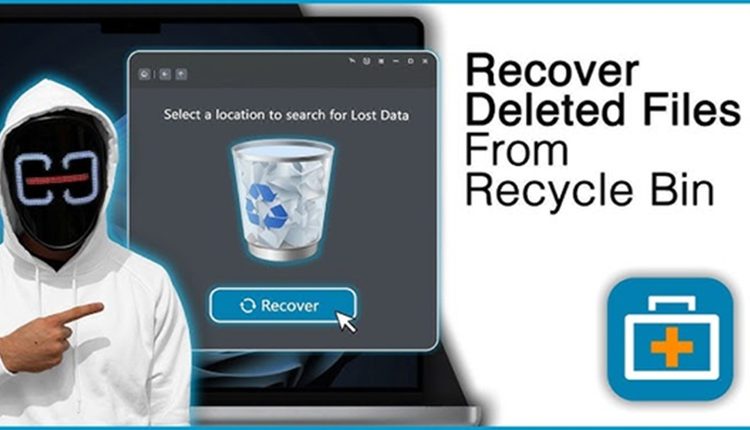
Do you feel that emptying the Recycle Bin is routine work? Once you do a single right click, you will receive a confirmation message on file deletion. However, the truth is that it does not permanently remove the file from the system. You have just eliminated the clutter from your desktop. Most experts recommend using software to recover data from Recycle Bin. Before emptying the Recycle Bin, you should read this blog.
The Recycle Bin- The last recovery option
When you remove files normally in a Windows PC, they do not allow an instant deletion. The files are moved to the Recycle Bin, where the files remain recoverable with a click.
The main purpose of using the temporary holding space is to protect you from mistakes. Many users unintentionally delete office documents, family photos, and creative projects. The Recycle Bin makes a difference between stressful recovery and instant recovery. Once you have emptied the bill, the restore option will go away.
Mistakes you make after deleting files
Most people feel concerned after removing their data from the Recycle Bin. They continue using the device normally and make things worse. However, in case the system is overwritten, the recovery process will be more challenging.
Every new action, such as installing applications, downloading files, and saving documents. These actions increase the risk of overwriting the deleted files.
The best ways to manage deleted folders
The most important steps for recovering your files are-
Reviewing the file
Take a look through deleted items before removing them permanently.
Use cloud backups
Google Drive and OneDrive are cloud services that provide extra recovery options.
Activate File History
Windows File History preserves previous file versions automatically.
Choose the recovery application-
PandaOffice Drecov data recovery software is a reliable choice for those who want to restore their lost files.
Conclusion
The Recycle Bin seems to be insignificant; however, it protects you from digital mistakes. If you have emptied it, you can recover the data using advanced software. PandaOffice Drecov has become a popular choice for those who want a simple data recovery solution.